How to Publish a Website for Free in 2026
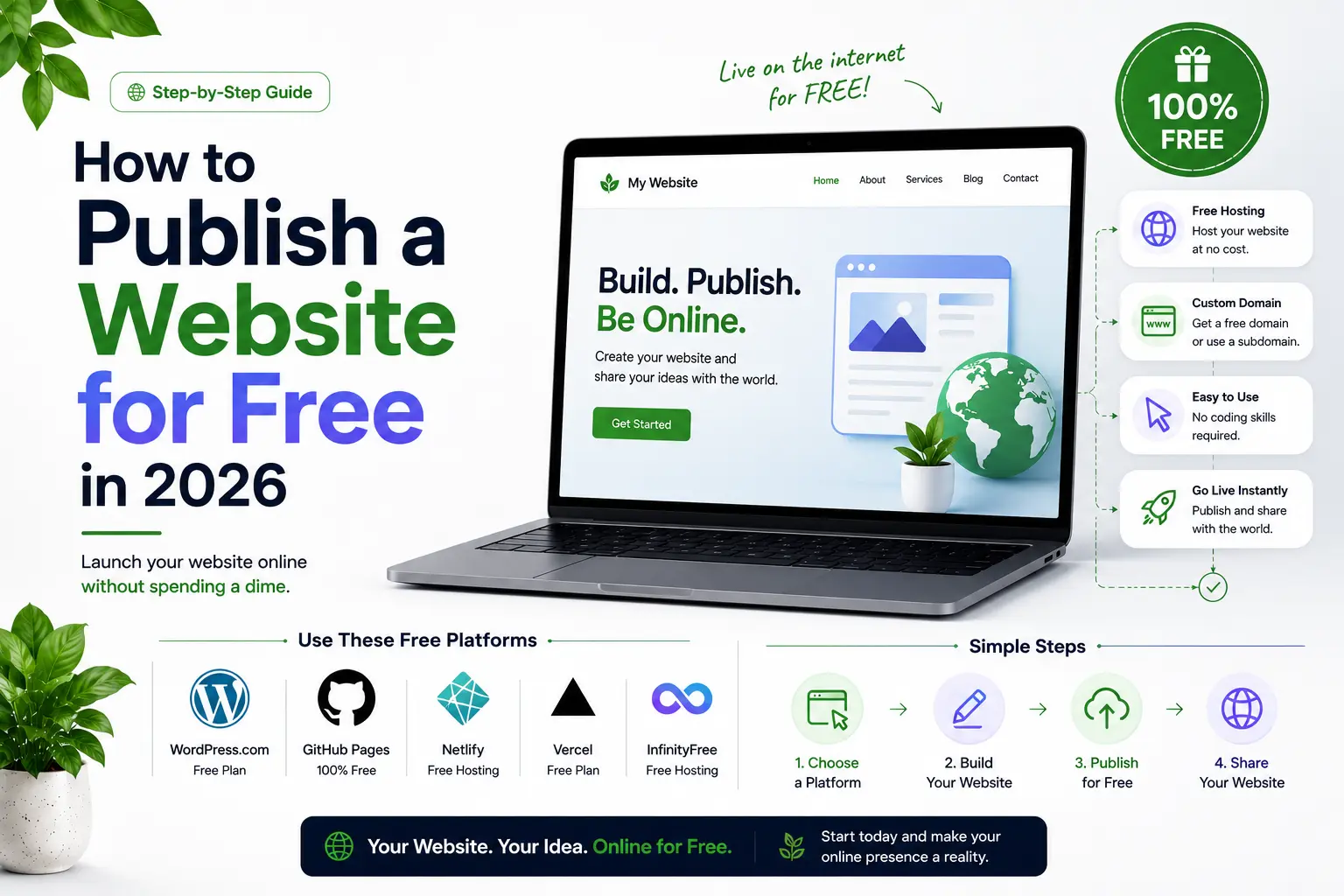
Can you really publish a website for free in 2026?
Yes, you can. In 2026 you can publish a website for free, with no credit card, and end up with something fast, secure, and genuinely good. The catch is that "free" is not one answer, it is several, and the right one depends entirely on what your site is made of. Pick the wrong free host and you spend a weekend fighting the setup instead of shipping.
This guide walks through every honest free route worth using, what each one really gives you, and the limits that the sign-up pages quietly leave out. As a frontend and SEO developer, I have shipped on all of these stacks, so this is the map I actually use, not a funnel toward one product. If you would rather have a professional look at your setup before you commit, my free website audit is built for exactly that.
First, match the free host to your site
Before you open a single dashboard, answer one question: what is your website built from? That answer points you straight to the right free host.
- Code, React, or Next.js: you want a deployment platform. Vercel is the natural home.
- WordPress: the newest free path runs it on WebAssembly through Wasmer .
- No-code, visual design: Webflow's free tier lets you design and publish to a subdomain.
- A static site or portfolio: Cloudflare Pages, Netlify, and GitHub Pages all publish for free.
Everything below is organised around that choice. Get it right and the rest is easy.
How to publish a Next.js or React site for free on Vercel
Vercel is built by the team behind Next.js, so if your site is a React or Next.js project, this is the smoothest way to publish a website for free that exists. Push your code to GitHub, connect the repository, and you have a live URL in about thirty seconds. My own boutique-stay project runs on this exact setup.
What the free Hobby plan gives you
The free tier is called Hobby, and it is a permanent zero-cost plan, not a trial. As of mid-2026 it includes:
- Around 100 GB of fast data transfer per month
- 1 million function invocations and 1 million edge requests
- Automatic HTTPS and SSL, plus a global CDN
- Unlimited deployments with a preview URL for every branch and pull request
For a portfolio, a blog, documentation, or a technical demo, that is plenty of room.
The limits worth knowing before you commit
Two things surprise people. First, there is a smaller, separate allowance of roughly 10 GB for origin transfer, which an image-heavy site can reach long before the headline 100 GB figure. Second, and more important, the Hobby plan is scoped to personal, non-commercial projects . If your site earns money, Vercel expects you to move to the Pro plan, which starts at around 20 US dollars a month. When you cross a Hobby limit, Vercel pauses the affected feature until the next cycle rather than sending a surprise bill.
How to publish on Vercel, step by step
- Put your project in a GitHub, GitLab, or Bitbucket repository.
- Sign in to Vercel with that Git account.
- Click Import, choose your repository, and let Vercel auto-detect the framework.
- Confirm the build settings (for Next.js the defaults are correct) and click Deploy.
- In under a minute you have a live yoursite.vercel.app address with HTTPS already handled.
Every push to your main branch then redeploys automatically. It is the closest thing hosting offers to a self-watering garden.
How to publish WordPress for free on Wasmer
WordPress still runs a huge share of the web, and nothing beats it for writing and managing content. The old problem was that free WordPress hosting was either crippled or plastered with someone else's ads. Wasmer changes the shape of that problem in a genuinely clever way.
Why Wasmer is different
Traditional WordPress needs a PHP server, a MySQL database, and a web server like Nginx, all installed and maintained. Wasmer compiles PHP itself to WebAssembly, which lets WordPress run as a single portable container with no MySQL or Nginx to wrestle with. WordPress hosting on Wasmer became generally available in 2026, and it deploys to the edge, so your site sits physically closer to your visitors. Wasmer reports up to 80 percent faster loads from this architecture, which feeds directly into better search performance.
What you get, and what to watch
The free plan is aimed at hobby projects and covers a lot: roughly 150 GB of bandwidth, custom domains, free SSL, WP-cron support, and an ad-free site, with a Pro tier at around 10 US dollars a month if you outgrow it. Setup is close to instant because Wasmer manages the infrastructure for you.
One honest note. Very lightweight WebAssembly WordPress environments, like the in-browser WordPress Playground, historically swap MySQL for SQLite, which breaks a minority of database-heavy plugins. Wasmer's managed hosting supports proper PHP and MySQL, so plugin support is far stronger there, but if your site leans on a heavy plugin, test it early rather than assuming.
How to publish WordPress on Wasmer, step by step
- Create a free Wasmer account.
- Deploy a WordPress app from the dashboard, or use the Wasmer CLI for local control.
- Wasmer provisions the WordPress instance on the edge, with no server stack to configure.
- Log in to your new WordPress admin and build as you always would.
- Connect a custom domain when you are ready.
How to publish a website for free with Webflow
If you would rather design than code, Webflow lets you build a real, responsive site visually and publish it for free. Webflow restructured its pricing in May 2026, so it helps to be precise about what free now means.
What the free Starter plan allows
Every Webflow account gets a free Starter Workspace automatically, and it does not expire. It gives you the full visual Designer, the templates, Webflow University, the CMS during development, up to two staging sites, 50 CMS items per staged site, and the ability to publish to a webflow.io subdomain. For learning the tool or prototyping a design, it is a true free offer with no card required.
The catches: domain, badge, and code export
Three limits define the free tier:
- You cannot connect a custom domain. Going live on your own address needs a paid Site plan.
- Your published site carries a small "Made in Webflow" badge, removed only on paid plans.
- The free Starter Workspace does not include code export.
There is one more thing beginners miss, and it matters most for anyone who wants to be found: a site published only on a free subdomain is a weak foundation for SEO. More on why in the ranking section below.
How to publish on Webflow, step by step
- Create a free Webflow account, which opens your Starter Workspace.
- Start a new site from a template or a blank canvas in the Designer.
- Design your pages visually, adding CMS collections if your content is structured.
- Click Publish and select the webflow.io subdomain.
- Upgrade to a paid Site plan later, when you need your own domain.
Other free ways to publish a website
Your stack might point elsewhere, so here are three more free routes that genuinely work, each suited to a different kind of site.
Cloudflare Pages
Cloudflare Pages is the strongest pure free static host in 2026. It offers effectively unlimited bandwidth on a fair-use basis, commercial use is allowed, and it never expires. You get up to 100 custom domains with free SSL, a global CDN with DDoS protection, and 500 builds per month. It serves static sites; dynamic logic runs on Cloudflare Workers, which are free up to 100,000 requests a day. If you expect a post to go viral, this is the host that will not blow a bandwidth cap.
Netlify
Netlify moved to a credit model in late 2025. The free plan now gives you 300 credits a month, roughly 20 production deploys, with bandwidth and compute drawing from the same pool. It includes custom domains, SSL, and unlimited deploy previews, and unlike Vercel Hobby, Netlify allows commercial use on the free plan.
GitHub Pages
GitHub Pages is the simplest choice if your code already lives on GitHub. It serves static sites only, from public repositories on the free plan, with free custom domains and HTTPS. Soft limits are 100 GB of bandwidth a month, 10 builds an hour, and a 1 GB site size. Note that its usage policy does not permit commercial or e-commerce use.
Free website hosting compared at a glance
Here is the honest, side-by-side view to help you publish your website for free on the right platform the first time.
| Platform | Best for | Free custom domain | Commercial use | Key limit |
|---|---|---|---|---|
| Vercel (Hobby) | Next.js and React apps | Yes | No, personal only | ~100 GB transfer, non-commercial |
| Wasmer | WordPress sites | Yes | Yes, within plan | ~150 GB bandwidth, small storage |
| Webflow (Starter) | No-code visual design | No | Subdomain only | webflow.io badge, no code export |
| Cloudflare Pages | Static sites with real traffic | Yes | Yes | 500 builds a month, static only |
| Netlify (Free) | Static and Jamstack sites | Yes | Yes | 300 credits a month, ~20 deploys |
| GitHub Pages | Portfolios and docs from a repo | Yes | No, per policy | Static only, public repos |
The catch nobody puts on the landing page
Read this twice, because most free-website guides skip it. Free hosting and commercial use are not the same thing. Vercel's Hobby plan is for personal, non-commercial projects. GitHub Pages does not allow e-commerce or commercial sites on its free tier. Webflow's free tier publishes only to a subdomain with a badge. Cloudflare Pages and Netlify, by contrast, do allow commercial use for free.
So if you are launching a real business or a client site, "free" is the right place to learn and prototype, and usually the wrong place to stay. The graceful move is to start free, prove the idea, then pay for a custom domain and a commercial-grade plan the moment the site has a job to do. If you are unsure which side of that line your project sits on, that is exactly the kind of thing I flag in a free website audit .
Will a free website rank on Google?
This is where most tutorials go quiet, and where an SEO-led answer matters. A free website can be indexed and can rank. The real question is how far it can grow, and that is where a free subdomain quietly holds you back.
Google's own John Mueller has warned about the hidden SEO cost of free subdomain hosting. Google does not penalise free subdomains directly, but they carry structural disadvantages:
- Shared reputation. You live alongside thousands of other sites on the same parent domain, which can dilute trust signals.
- Weaker brand credibility. A yoursite.vercel.app or yoursite.webflow.io address reads as a test, not a business.
- Link equity that does not move. Backlinks you earn on a free subdomain do not transfer cleanly when you later switch to your own root domain, so your growth resets.
The takeaway is simple. A free subdomain is right for learning, testing, and prototyping. A custom domain is non-negotiable the moment you want to rank and build a brand. For a deeper look at ranking a real site, see my guide on how to rank a local business on Google , and Google's Search Central documentation for the fundamentals.
What about the domain?
"Publish for free" usually runs into "but I need a domain." Here is the current reality. The old "forever free" domain services are effectively dead and unreliable, so do not chase them. Two realistic paths remain:
- Buy a cheap domain, typically 3 to 15 US dollars a year, and connect it. Cloudflare Pages and GitHub Pages both attach a custom domain with free SSL, so your only real cost is the domain itself.
- Choose a builder or host plan that bundles a free custom domain for the first year.
For a serious project, owning your domain from the start saves you a painful migration later.
So which free option should you choose?
Match the host to the site and the decision makes itself:
- You write code or work in React or Next.js: publish free on Vercel.
- You want a content-first WordPress site without server maintenance: use Wasmer.
- You want to design visually and do not need a custom domain yet: use Webflow's free tier.
- You have a static site and expect real traffic: use Cloudflare Pages.
Respect the limits, know from day one whether you are planting a seedling or building something that needs to stand on its own ground, and you will save more time than any five-minute tutorial promises. If you want that ground built properly, with the speed and SEO foundation to actually rank, take a look at my recent work or get in touch . You can also start with a no-obligation free website audit .
Frequently asked questions
Can you really publish a website for free?
Yes. You can publish a fully functional website at zero cost through Vercel, Wasmer, Webflow, Cloudflare Pages, Netlify, and GitHub Pages. The real question is whether a given free tier fits your purpose, because each one limits custom domains, commercial use, or indexing in some way.
Is Vercel free for commercial use?
No. Vercel's free Hobby plan is scoped to personal, non-commercial projects. A site that earns money is expected to move to the Pro plan, which starts at around 20 US dollars a month.
How do I host WordPress for free?
The most modern free route in 2026 is Wasmer, which runs WordPress compiled to WebAssembly with no MySQL or Nginx setup to manage. It offers a free hobby plan with custom domains and deploys to the edge for fast loads. Test any database-heavy plugins early.
Can I publish a Webflow site for free?
Yes, to a webflow.io subdomain. The free Starter plan gives you the full Designer and CMS during development, but you cannot connect a custom domain, the site carries a "Made in Webflow" badge, and code export is not included.
Do free websites get indexed by Google?
It depends on the platform. A Vercel, Netlify, Cloudflare Pages, or GitHub Pages deployment can be indexed normally. The bigger issue is that a free subdomain is a weaker SEO foundation than your own domain, so for serious search visibility you should publish on a custom domain.
What is the best free hosting for a portfolio?
For a coded portfolio, Vercel or Cloudflare Pages are excellent. For a portfolio built from a GitHub repository, GitHub Pages is the simplest. All three give you free HTTPS and a fast global CDN.
Want a website that actually ranks & converts?
Book a free 30-minute strategy call. No pitch — just a clear plan for your traffic, design, and conversions.
More in TECH
Next.js SEO for AI Search: How to Get Your Site Seen in ChatGPT and Google AI Mode
ChatGPT, Claude and Perplexity read your raw HTML and skip your JavaScript. Learn how to make a Next.js site visible in AI search, from the Cache Components trap and htmlLimitedBots bugs to robots.ts, Content Signals, firewall checks, JSON-LD and crawler tests that prove it works.
Why Legal Pages Matter for Ecommerce and SaaS Companies?
Every guide to website legal pages is written by a lawyer selling a template. None of them explain how these pages actually affect your conversion rate, your SEO, or why your cookie banner is probably not doing what you think it does. Here is the build side of the story, with the real fines, lawsuits, and checklists attached.